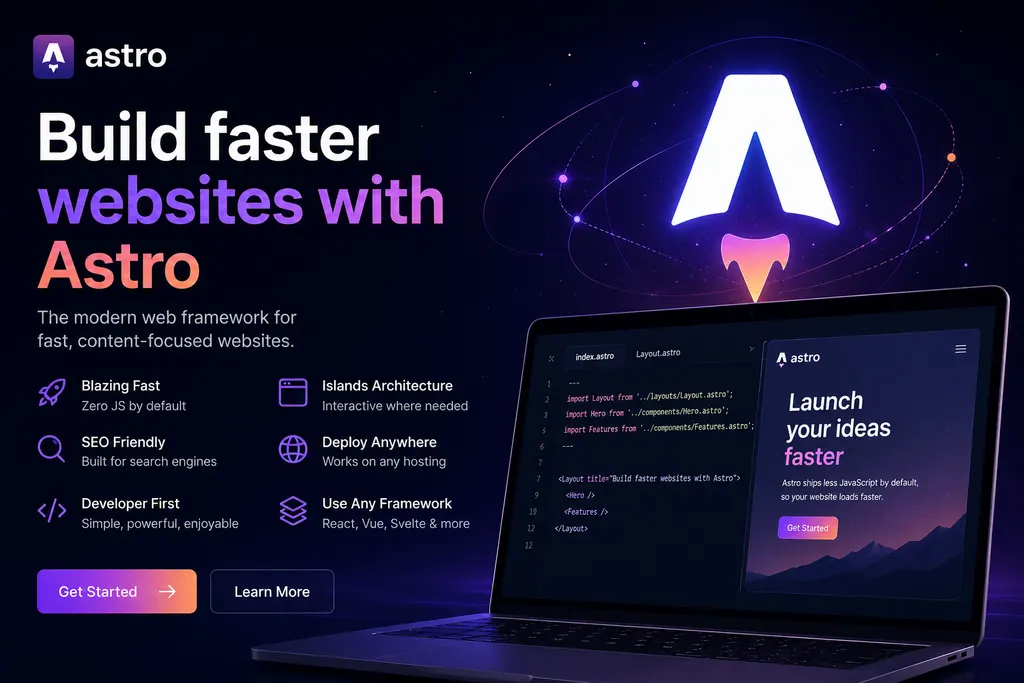
If you have built websites for a while, you have met React, Next.js, Vue or Svelte. They are all capable tools, and yet one framework has changed how I build over the past year: Astro.js. Whether the job is a portfolio, a business site or a blog, Astro is what I reach for first, because it loads fast, stays simple and gives clients a better experience than the heavier alternatives.
What follows is what Astro actually buys you, and where I reach for something else.
What Is Astro.js?
Astro.js is a web framework built for fast, content-focused websites. Most JavaScript frameworks ship the framework itself to the browser along with your page. Astro ships HTML by default and adds script only where a component asks for it, so visitors download less and pages arrive faster on a mid-range phone.
In short, Astro sends what the page needs and nothing for appearances.
Zero JavaScript by Default
The Zero JavaScript by Default rule pays off most often. A navigation bar, a blog article, a footer: none of them need JavaScript to render, yet the usual framework still ships a bundle for them. Astro compiles clean HTML at build time. Script loads only for a component that cannot work without it, such as a search bar or a dark mode toggle.
On a weak mobile connection that is the difference between a page appearing and a spinner turning.
Islands Architecture
Need a website built properly?
Fast, modern, fully owned — from ₹7,999, delivered in 1–2 weeks.
Chat on WhatsAppSee pricingIslands Architecture is why the zero-JavaScript rule survives contact with real projects. You nominate the components that need JavaScript, such as a filter or a search box, and everything around them stays static HTML. Rich interaction in the few places that need it, with no hydration bill for the rest of the page.
Build With Your Favourite Framework
Astro does not force you into one ecosystem, which matters when a client arrives with components already written in something else. React, Vue, Svelte, Solid, Preact and plain JavaScript all run in the same project, and an existing React component comes along without a rewrite of the surrounding site.
Perfect for Blogs
Astro was practically made for blogging. Markdown and MDX files, content collections, RSS, sitemap generation and SEO metadata all work without a plugin hunt. A post is a file sitting in the project rather than a database row, which keeps the writing organised and easy to hand over.
Excellent SEO
Search engines reward pages they can read. Because Astro generates static HTML at build time, a crawler gets the full content without executing a script. The rest is either built in or one integration away: clean URLs, meta tags, Open Graph, an automatic sitemap.
Fast Development Experience
The development experience is the part I did not expect to care about. File-based routing and a component syntax close to plain HTML make the first page quick to write, while API routes, built-in image optimisation, TypeScript and a Vite dev server come as part of the same setup. The documentation is good enough that a beginner gets productive without buying a course first.
Great Performance
Performance pays commercially now. Google rewards fast pages and visitors abandon slow ones, and Astro gets you most of the way there by sending minimal JavaScript and adding partial hydration only where a component asks for it. The result answers a tap instead of making the visitor wait for it.
Why I Chose Astro for NKV DEV WORKS
When I started building NKV DEV WORKS I wanted a platform rather than a good-looking page. It had to be fast, easy to maintain, friendly to search engines and simple enough that publishing an article took minutes. Astro met all four, and it let me spend time on content instead of configuration.
Whether the work is an article, a project page or a client site, the foundation underneath is the same.
Is Astro Good for Beginners?
Yes, and the reason is that Astro builds on web standards instead of replacing them. If you already write HTML, CSS and a little JavaScript, you can start on a real project almost immediately. The rest arrives when the project needs it: content collections, API routes, server rendering, a CMS. There is room to grow without a wall to climb first.
When Should You Use Astro?
The pattern is content plus a little interaction. Portfolios, business sites, blogs, documentation and landing pages all fit that shape, and so does any site where the page itself is the product rather than a logged-in application. If most of your pages are read rather than operated, Astro is hard to beat.
When Astro Is the Wrong Call
No framework suits every project. For a heavily interactive dashboard, where most of the screen is state and user input, a client-side framework earns its keep and Astro’s static-first model becomes something you work around. For a blog or a business site, I would start with Astro and rarely regret it. When the choice is between Astro and WordPress for a small business site, this comparison of the two goes through the cost, hosting and editing differences side by side.
Its focus on performance, developer experience and simplicity makes it one of the most enjoyable frameworks I have worked with. If you are planning a blog, portfolio or business website, give Astro.js a serious look.
If you would rather hire it done, NKV DEV WORKS builds Astro sites in Bangalore, Hyderabad, Chennai, Pune, Kochi, Kanpur, Lucknow, Gurgaon, Noida and Madurai, from ₹7,999 with full source-code ownership.
At NKV DEV WORKS, it has become an important part of my workflow, and I do not see that changing anytime soon.
The web keeps moving toward faster, lighter pages, and Astro is where I would place that bet.
Tags
#astro#astrojs#web-development#javascript#frontend